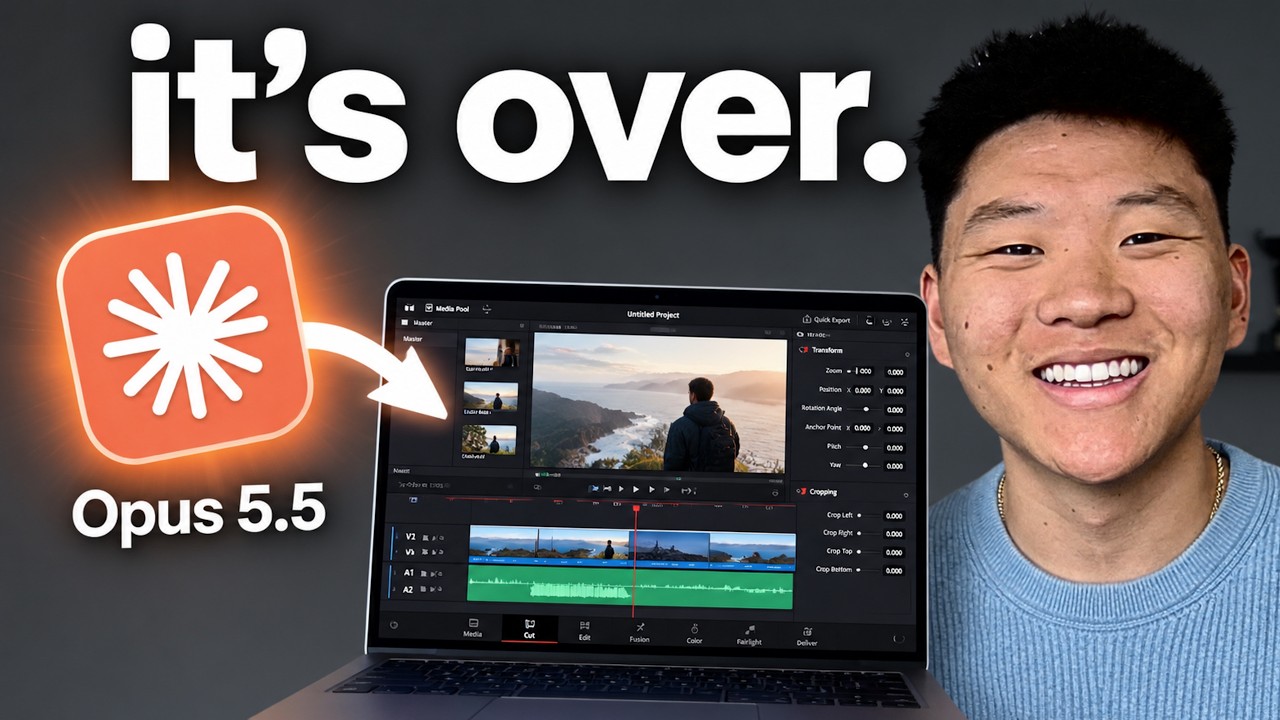
Opus 5.5 Just Changed Video Editing Forever (free skills)
This is a demo the creator assembled to show an AI video-editing workflow, not a system he uses daily on his own real footage in an established pipeline. It runs on Opus 5.5 inside Claude Code, using a free tool called Hyperframes (Claude Code writing and animating HTML) plus transcription via Eleven Labs API or Whisper, with image/video generation through Kie.ai and Kling. The creator built reusable 'skills' (Motion Show Reel, Scrollcraft, Hyperframe Student Kit) from this workflow and shares them via his Skool community, but the video itself is a set of one-shot prompt demonstrations rather than a documented daily-use system.
System does: AI-driven video editing, generating motion graphics, B-roll, screenshots, and sound design from a single prompt [00:10]
- Tools: Fable 5.1 and GPT-6 Astra named as powerful AI video-editing models [00:03]
- Tools: Opus 5.5 used inside Claude for the edits shown [00:44]
- Tools: Hyperframes, a free tool where Claude Code writes and animates HTML [01:12]
- Stack: Hyperframes found by Googling 'hyperframes' to locate the HeyGen HyperFrames GitHub repo [01:16]
+ 50 more takeaways
- Stack: a free 'Hyperframe Student Kit' repo contains skills and examples from the creator's own editing pipeline [01:31]
- Stack: Hyperframe Student Kit is accessible via the creator's free Skool community, under Classroom > AI Skills [01:40]
- Stack: transcription done via Eleven Labs API (paid per usage, faster) or Whisper (free local model, slower) [01:58]
- Setup: to set up transcription, just ask Claude Code to help configure it [02:14]
- PROMPT (~02:17): instruction to Opus 5.5 was to first transcribe the video so motion graphics and animations land at the exact perfect time, then build animations based on the user's instructions
- PROMPT (~02:18): for powerful models like Fable 5.1 and GPT-6 Astra, animations should come in where the user is pointing, with the Claude logo animating in on the left and the OpenAI logo on the right
- PROMPT (~02:36): put a liquid glass card behind animated elements so they remain readable against the background
- PROMPT (~02:51): for the phrase 'best outputs ever,' the three words should appear at the bottom of the screen and be highlighted as they are spoken, feeling professional and emotional rather than over the top
- PROMPT (~03:08): for B-roll, screenshots, and generated images/videos, elements should come in on the left and right sides with an overlay or liquid glass effect, including an actual B-roll screen recording, screenshot, generated image, and generated video to prove capability in real time
- PROMPT (~04:11): transcribe intro.mp4 first for exact animation timing, then animate logos (Claude-style spinning logo for Fable 5.1 on left, GPT-6 Astra logo on right) with liquid glass cards behind text, and ensure animations never cover the presenter's face in the center
- AI-generated on its own: Opus added a subtle zoom-in effect at the beginning that was not requested [03:39]
- AI-generated on its own: Opus generated a 'super cool Claude looking interface' animation when the narrator said 'the one prompt thing' [03:47]
- AI-generated on its own: the verification step showing screenshots and checking was added by Opus without being prompted [04:07]
- Wiring: the agent's log noted transcript done with word-level timing (28.8 seconds, 125 words), face framed at 40-61% of frame width, and a pointing gesture detected at 5.4 seconds [04:15]
- AI-generated on its own: Opus autonomously selected and zoomed into a specific 'thank you' thumbnail, reasoning it highlighted YouTube's branding and culture [04:35]
- Source: the creator downloaded a HyperFrames example from an X post by Kenn Ejima praising an Opus 5.5-generated motion graphics video, as a reference for emotional tone [05:14]
- Wiring: he gave the downloaded video to Claude Code and asked it to analyze why the video was so good [05:29]
- Wiring: he had Claude Code turn that analysis into a reusable skill called Motion Show Reel [05:44]
- PROMPT (~05:50): create a YouTube-branded showreel, collecting B-roll images and assets and ensuring YouTube's typography, design, colors, and branding were unmistakable
- Plan: the Motion Show Reel skill will be added to his Skool community under YouTube resources or AI skills [06:21]
- Wiring: images were generated first, then sent to Kling to turn into videos, and Opus assembled image and video outputs into one final video [06:37]
- PROMPT (~07:07): make a 15-second motion graphics showreel about his company AIS using real product assets/logos, kie.ai for asset generation, and HyperFrames or other tools for motion design, music, and sound effects
- Output: the AIS Motion Reel 2026 video showed a workflow of a new lead triggering an AI agent that updates the CRM and sends a reply, alongside a stat of 25,744 community members [07:39]
- AI-generated on its own: the showreel pulled pictures from the AIS website and knew the exact member count [07:48]
- AI-generated on its own: a 3D image was generated then turned into video, similar to a YouTube showreel style [08:03]
- Tools: a free skill called Scrollcraft is given away for building websites that don't look AI-generated [08:15]
- Stack: Scrollcraft understands scroll-driven animations, layering, taste, typography, spacing, and depth [08:27]
- Stack: Scrollcraft includes a built-in interview for desired look/feel and a visual check where the AI inspects screenshots of its own work [08:34]
- Stack: Scrollcraft works with Claude Code and Codex, is free, though AI-generated images or video may incur separate costs [08:40]
- Wiring: Claude Code was given access to a 105-gigabyte folder of videos from the AIS Live event and asked to create a sizzle reel telling a story [08:45]
- Cost/effort: the sizzle reel took one prompt plus one round of iteration and one fix, totaling three prompts (version V2.1) [09:02]
- Content: segment titled 'Day 1: Anatomy of Three Real Deals' states a deal was signed without ever opening VS Code [09:21]
- Project note: the next AIS event is confirmed for October 17th and 18th [09:50]
- Limitation: the creator admits a few things in the produced video weren't great, including an awkward cut of a speech [09:58]
- Wiring: on-screen version note reads 'V2.1: new animated AIS LIVE open, everything after 3.8s unchanged,' for renders/Ais-Live-Sizzle-V2.1.mp4 made with 'Opus 5.5 High' [10:09]
- Wiring: the tool pulled specific moments from call transcripts to capture the vibe and energy of the live event [10:15]
- PROMPT (~12:29): use HyperFrames, camera starting full screen then switching to a rounded crop, a super simple minimalistic background, bold non-wordy bullet points, and AI-generated visual aids with light motion graphics
- Output: the resulting course video 'How to Make Avocado Toast AIS' had four labeled steps: Crisp the toast, Build the base, Season it, and Top it off [12:49]
- Note: all images and videos in the avocado toast course video were AI generated [13:19]
- PROMPT (~13:45): edit an Instagram reel from Avo Toast.mp4 using the Hyperframes student kit skill, with frequent scene switching, B-roll, animations, and motion design, generating assets via Kie.ai
- Setup: this Instagram reel example was run without other skills, a one-shot prompt with Opus 5.5 on High effort [13:53]
- Limitation: the rendered Instagram reel output showed a status message noting two caption placement issues being fixed [14:07]
- Content: the AI-generated short claims toast shouldn't be set flat on a plate because the bottom gets soggy from trapped steam, so both sides stay crispy [14:10]
- Framework: five-step approach begins with transcribe (using tools like Whisper or Eleven Labs) [16:23]
- Framework: step two is cut, removing mistakes and dead space [16:23]
- Framework: step three is plan the beats for specific timed animations [16:23]
- Tip: tip four is to use skills, such as building skills specifically for reels if reels are a frequent output [17:39]
- Tip: he references using his Hyperframe student kit as inspiration, having taken a video he liked and told the AI to build a skill from it [17:45]
- Tip: tip five, called the most important, is the verification loop, where the agent takes screenshots, reviews them, and iterates until output five or six is good enough before delivering [18:16]
- Framing: prior video editing experience is not required to take advantage of these AI tools [19:01]
goal "C:\Users\~\OneDrive\Documents\YouTube Videos\Intro.mp4"
I need you to edit this to be super engaging and clean with hyperframes. We need Apple style super clean motion graphics and animations.
The first step is for you to transcribe the video so you can make sure that the motion graphics and animations come in at the exact perfect time.
Then you will build the animations based on my instructions.
When I say super powerful models like Fable 5.1 and GPT-6 Astra, what I want you to do is have animations come in where I'm pointing. So when I say Fable 5.1, I point to the left side of the screen. So you need to have on the left side of the screen an animation come into the frame in a cool engaging way that should be the Claude logo. And you should have it spinning or some sort of cool animation and then you'll animate the text that comes in that says Fable 5.1. Just make sure you're putting some sort of liquid glass card behind this element as it's animated. Otherwise, it will be hard to read and see against the background.
Then you'll do the exact same thing for GBD6 Astra, which comes in on the right side of the screen. And once again, do the same sort of logo, you know, go research and find the logo, animate it, make it come in at the right spot and at the right time.
Then when I say best outputs ever, what I want you to do is have the three words at the bottom of the screen and then as I'm saying them, sort of highlight them to add some importance to those words. Best outputs ever. It doesn't need to be over the top, but it should feel professional and emotional.
Then for the rest of the video, when I'm talking about B-roll and screenshots and generating images and videos, I want you to have things come in on the left and right sides of the screen. Once again, they should have some sort of element like an overlay behind or liquid glass so that we can see them.
And I want you to actually go off and do a B-roll screen recording and grab a screenshot and pull in a generated image and a generated video. It doesn't matter what it is, but just prove to the viewers that you're capable of doing all this.
The whole point here is that I'm explaining what Opus 5.5 is capable of when it comes to actually prove it in real time. [...] can clearly see it, but also make sure that it doesn't cover my face, which is in the middle of the screen. So you need to look back at the frames after you've worked in the animation, so you need to look back at the frames to make sure that my face is never being covered.
goal make a dynamic 15-second motion graphics video that shows what an incredible motion designer you are, like it's your showreel for a resume. go all out. make it about our company Ais. Use real assets and logos from our products when possible. You can use kie.ai to generate any assets you need for this and hyperframes or other tools to create the motion design and music/sound effects.
How this brief was shaped: Personal AI Build / System Demo · confidence Medium
Creator demonstrates an AI video editing system (Opus 5.5 with Hyperframes) built from natural language prompts, showing the actual prompt text and the generated output, and OCR shows a github repo file listing for a student kit tool. This fits system demo more than a step by step coding tutorial since the focus is on showing what the AI produced and the prompt used rather than teaching install steps.
The lens sets this brief's structure, never its facts — every claim is held to the same citation and fact-check standard.