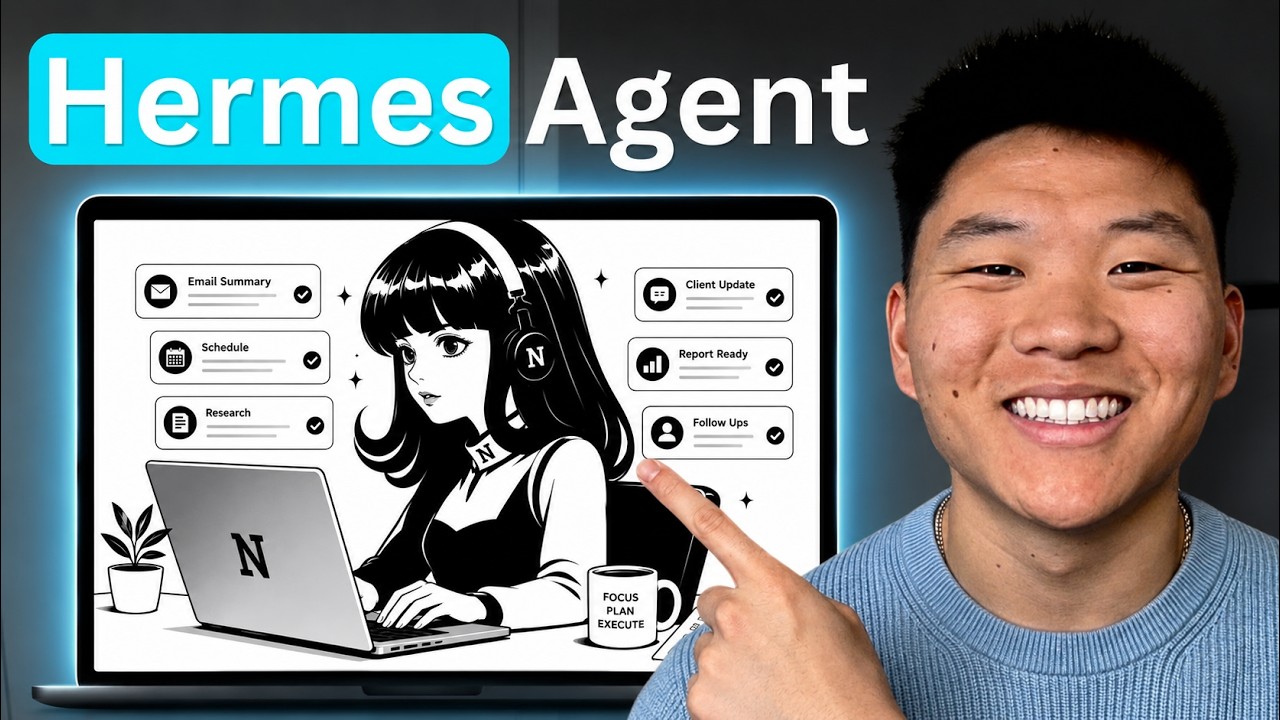
Set Up a Personal Hermes in 14 Mins (no VPS or mac mini)
What this video is
⚡ a 14-minute video, readable in 60 secondsThis video is a walkthrough of setting up a managed Hermes AI agent through Hostinger, comparing it against a VPS-based Hermes option and Hostinger's other AI offerings (OpenClaw, n8n). It covers connecting a ChatGPT subscription instead of an API key, wiring up Telegram as the chat interface, and touring the resulting dashboard's Tasks, Kanban, Skills, and Memory features. The presenter also demonstrates adding custom skills (Excalidraw diagram, grill-me) and troubleshoots adding a Tavily API key as an environment variable, which required restarting the agent before web research worked. It matters as a no-code path to a persistent, memory-building AI agent reachable from a phone via Telegram.
[00:08] Hostinger offers three installable AI options: OpenClaw AI agent, Hermes Agent, and n8n workflow automation
Key takeaways
- [00:29] Managed Hermes Agent costs $5.99/mo with no server setup, Docker, SSH, or env files needed, guided through hPanel
- [00:29] VPS Hermes Agent costs $6.49/mo with a one-click install giving full root access over models, memory, tools, and config
- [01:44] A VPS can host multiple agents/apps on one box, while the managed option is one Hermes agent per box
- [02:06] The presenter recommends the managed agent for about 98% of users since it's easier and simpler
+ 14 more takeaways
- [03:23] Coupon code 'Nate Herk' gets 10% off Hermes Agent, but only on a 12 month or 24 month plan
- [03:41] Hermes Agent is described as a harness that wraps around an AI model such as Claude, GPT, or Gemini
- [03:52] The presenter recommends connecting a ChatGPT subscription instead of an API key, saying it gives more inference and is cheaper
- [04:02] Connecting ChatGPT requires visiting auth.openai.com/codex/device, signing in, and entering a verification code
- [04:43] Telegram bot usernames must be unique and end in 'bot'; several names were rejected before 'Managed Hermes Demo' was registered
- [06:05] After setup, only GPT models (e.g. GPT5.6 Sol) are available when using an OpenAI/Codex subscription
- [07:22] Messages sent from the dashboard do not sync to Telegram, but Telegram messages sync to the dashboard
- [08:25] The dashboard's Skills section includes prebuilt skills (Claude Code, Codex, Computer Use, Creative Skills, Email, GitHub, Media) and supports custom skills pasted as YAML front matter
- [09:12] The platform includes memory functionality for notes including a user profile, agent role, and project context
- [10:12] Hermes could not use Tavily without a TAVILY_API_KEY environment variable added via hPanel, and needed a restart for the variable to inject
- [11:32] Environment-variable changes require restarting the Hermes Agent/runtime, not merely refreshing the chat
- [12:14] After the restart, the Tavily dashboard showed 5 of 1000 credits used, confirming the search ran through the Tavily account
- [12:32] The presenter recommends grabbing the 'grill-me' skill from his free Skool community, which interviews the user for context
- ai credits, web scraping credits) and a recommended email add-on (Agentix Mail) with total payment of $143.
Jump to a moment
Their links, sorted & clickable
🏛️ Communities & courses1
My FREE resources🤝 Work with them1
My playbook for growing a $1M AI agency🛠️ Tools they use1
FREE MONTH voice to text💼 Sponsorship & business1
Sponsorship InquiriesWas this brief useful?