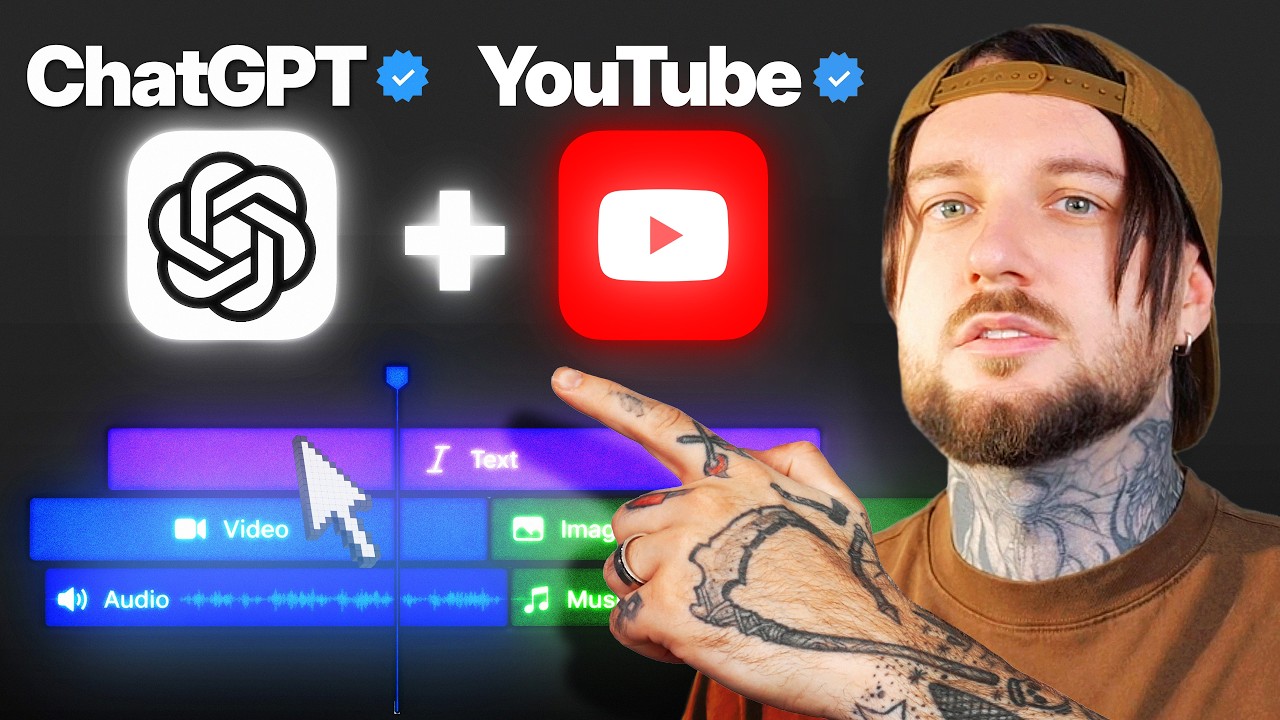
ChatGPT Just Changed YouTube Forever
This video walks through a demo system that connects ChatGPT (via Codex, using a model labeled GPT-6 Astra Ultra) to DaVinci Resolve Studio through an MCP server, so ChatGPT can take a raw, uncut recording and turn it into a flowing edit by removing pauses and repeated takes, then generate and place motion graphics using a Higgsfield integration. The creator presents this as a live, first-time test of letting ChatGPT control his computer, not an established daily workflow, and at one point discovers the cuts still leave many empty spaces once he zooms out on the timeline. The stack shown includes ChatGPT/Codex, the DaVinci Resolve MCP server (configured via a GitHub link), DaVinci Resolve Studio version 21.1.0.14, and Higgsfield's plugin or CLI for motion graphics. No dollar costs are stated; the only cost-related detail is adjusting Codex's effort level to manage credit usage.
System does: Connects ChatGPT (via Codex) to DaVinci Resolve Studio through an MCP server so it can cut a raw recording down to a flowing edit, removing pauses and repeated takes. [04:18]
- System does: Before editing, the raw clip has no cuts at all, including moments of the creator preparing and looking at the camera before speaking. [02:09]
- System does: The audio waveform confirms there are no cuts in the raw clip prior to editing. [02:22]
- System does: Creator says normally recording a YouTube video involves a lot of cuts and mistakes he edits himself, which takes a lot of time. [02:29]
- System does: Also uses a Higgsfield integration to generate motion graphics (icons, chapter cards, text) and place them at cue points in the DaVinci Resolve timeline. [00:12]
+ 48 more takeaways
- Status: This is shown as a live, first-time test, not an established daily workflow; creator says this is the first time he let ChatGPT ('Chad GPT') control his computer. [09:37]-[09:39]
- Who it's for: Creator frames this process as being done partly to help get monetized on YouTube. [07:20]
- Stack: Model shown in the interface is labeled GPT-6 Astra Ultra. [00:12]
- Stack: Setup uses ChatGPT's Codex section, accessed from the left sidebar. [00:57]
- Stack: Codex is set to the GPT-6 Astra model, with effort reduced to medium to save credits. [01:20]
- Stack: Editor is DaVinci Resolve Studio, the paid edition, confirmed by the creator (not the free version). [03:53]
- Stack: DaVinci Resolve Studio version shown is 21.1.0.14. [04:54]
- Stack: Connection to DaVinci Resolve is made via an MCP server, configured using the link https://github.com/samuelgursky/davinci-resolve-mcp. [03:50]
- Stack: Codex confirms the MCP server connected with 36 tools available, and needs a Codex restart to load. [03:56]
- Stack: Motion graphics come from Higgsfield, connected either as a plugin found in the ChatGPT Plugins Directory or via Higgsfield's CLI. [10:53]
- Stack: Creator notes that if using Claude Code or Codex, the CLI is better than the plugin. [10:56]
- Stack: After clicking 'Add Higgsfield plugin' and connecting it to ChatGPT, setup is complete. [11:03]
- Setup: Step one is having ChatGPT installed on the computer. [00:52]
- Setup: Under approval settings, default 'ask for approval' is changed to 'approve for me' so commands don't need manual approval each time. [01:06]
- Setup: Demo creates a new DaVinci Resolve project named 'subscribe to Denny Y' before dragging a clip into the media pool. [01:33]
- Prompt (spoken, paraphrased - no verbatim on-screen text captured): creator asks ChatGPT to connect to DaVinci Resolve's MCP server so he can later send commands like 'edit the video for me.' [02:56]
- Prompt (spoken, paraphrased): creator tells ChatGPT DaVinci Resolve Studio is open with a raw video containing empty spaces and cuts, and asks it to edit the video, remove repetition and empty spaces, and create a montage with proper flow. [04:18]
- Prompt (spoken, paraphrased): creator asks ChatGPT to inspect the timeline and footage using a computer-use skill, then tighten pauses and repeated takes into a flowing edit. [04:52]
- Prompt (spoken, paraphrased): creator asks ChatGPT to edit a new roughly 5 gigabyte footage file, remove the pauses, and make cuts so the video flows. [08:17]
- Prompt (spoken, paraphrased): creator asks ChatGPT to use the Higgsfield skill to generate motion graphics for the video just cut in DaVinci Resolve. [11:22]
- Prompt detail (spoken, paraphrased): requested graphics include transparent text and animated cards showcasing the topics discussed, plus optional full horizontal footage. [11:32]
- Prompt detail (spoken, paraphrased): requested style specifies a beautiful gradient blue background with bold, beautiful white text. [11:47]
- On-screen log: agent interface reports 12 transparent graphics finished rendering and being added at their exact cue points. [00:12]
- On-screen log: agent log states it used Higgsfield integration, edited a file, and ran a command, with 2 files changed (+71 -0). [00:12]
- On-screen log: DaVinci Resolve timeline shows clips labeled 'Higgsfield-blue explainer' and 'Transparent motion graphics' being assembled. [00:15]
- On-screen log: command output shows a would_import file path for montage_qc.wav from the DaVinci Resolve project folder. [07:04]
- On-screen log: interface shows a 'Graphics storyboard' process using Higgsfield and DaVinci Resolve integrations, noting strongest visual moments are original ideas, self-doubt, using data, Reddit research, and turning a popular topic into a video. [12:13]
- On-screen log: the 12 transparent graphics finished rendering and are shown being added to the timeline again later in the walkthrough. [13:04]
- Wiring: Once connected via MCP, ChatGPT/Codex can make cuts, add footage, and edit the video directly. [00:32]
- Wiring: DaVinci Resolve analyzes the audio and creates a transcript so ChatGPT can identify pauses and repeats. [05:14]
- Wiring: That transcript analysis is shown running at a speed of up to 28.5x. [05:14]
- Wiring: ChatGPT generates a timed transcript inside Resolve so it can choose the strongest complete takes and place cuts between words while keeping audio synced. [05:59]
- Wiring: ChatGPT requests permission to use Resolve; creator selects 'Always Allow' instead of 'Allow this conversation' to avoid repeated prompts. [05:47]
- Wiring: ChatGPT created a brand-new timeline with all cuts already placed, rather than editing the existing timeline live. [06:56]
- Wiring: For the second, roughly 5GB footage file, ChatGPT re-transcribes the audio, since audio-to-footage sync is the only way it determines cut points. [08:29]
- Wiring: ChatGPT began controlling the creator's mouse in DaVinci Resolve to add and cut clips automatically. [09:35]-[09:44]
- Wiring: Once Higgsfield creates the graphics, they are added directly into DaVinci Resolve. [12:11]
- Wiring: Higgsfield's motion graphics automatically get added onto the DaVinci Resolve timeline at their exact cue points. [12:45]
- Wiring: System checks everything automatically while editing; creator notes his hands are not touching it. [12:59]
- Wiring: A link to Higgsfield's MCP is provided in the video description for viewers to connect it. [10:36]-[10:45]
- Cost: Codex effort level initially set to medium specifically to save credits. [01:20]
- Cost: Codex effort level later raised to Ultra before the editing request; no dollar figures are stated. [04:07]
- Limitation: Creator says despite this automation, he doesn't personally think it's AGI yet, guessing AGI arrives around 2027-2028. [03:29]
- Limitation: Initially the DaVinci Resolve MCP server wasn't connected; Codex found none configured and had to ask for the MCP server URL. [03:34]
- Limitation: Host says the cuts weren't actually visible at first because the timeline was zoomed in too far. [07:53]
- Limitation: Once zoomed out, the host found the footage still had tons of empty spaces remaining. [07:56]
- Limitation: When ChatGPT began controlling the mouse, the creator says he had no idea what was happening on screen. [08:50]
- Limitation: Because his own screen recorder could capture the live process, the creator switched to filming his screen with his phone instead. [08:53]
Hey ChatGPT, I just installed DaVinci Resolve on my computer. Can you connect to the MCP server so that in the future I can ask you to make edits for me? Just connect to the MCP server.
Hey ChatGPT, I have DaVinci Resolve Studio open, and I have a video on my timeline. The video has empty spaces and cuts. What I want you to do is look at the video and edit the video for me, make the cuts for me. Make sure there's no repetition inside my video and also make sure there are no empty spaces. So basically you're creating the montage for my video. This is one raw file which needs cuts in order to have flow and sound good. So go ahead and edit this video for me on the timeline.
https://github.com/samuelgursky/davinci-resolve-mcp
How this brief was shaped: Personal AI Build / System Demo · confidence High
Creator demonstrates connecting ChatGPT Codex to DaVinci Resolve to autonomously edit a video, with OCR showing an on-screen AI agent log narrating its own actions (rendering graphics, running commands, checking timeline) inside the editor. This is a system demo of an AI build rather than a plain tutorial, since the focus is showing the agent operate live rather than walking through replicable steps.
The lens sets this brief's structure, never its facts — every claim is held to the same citation and fact-check standard.