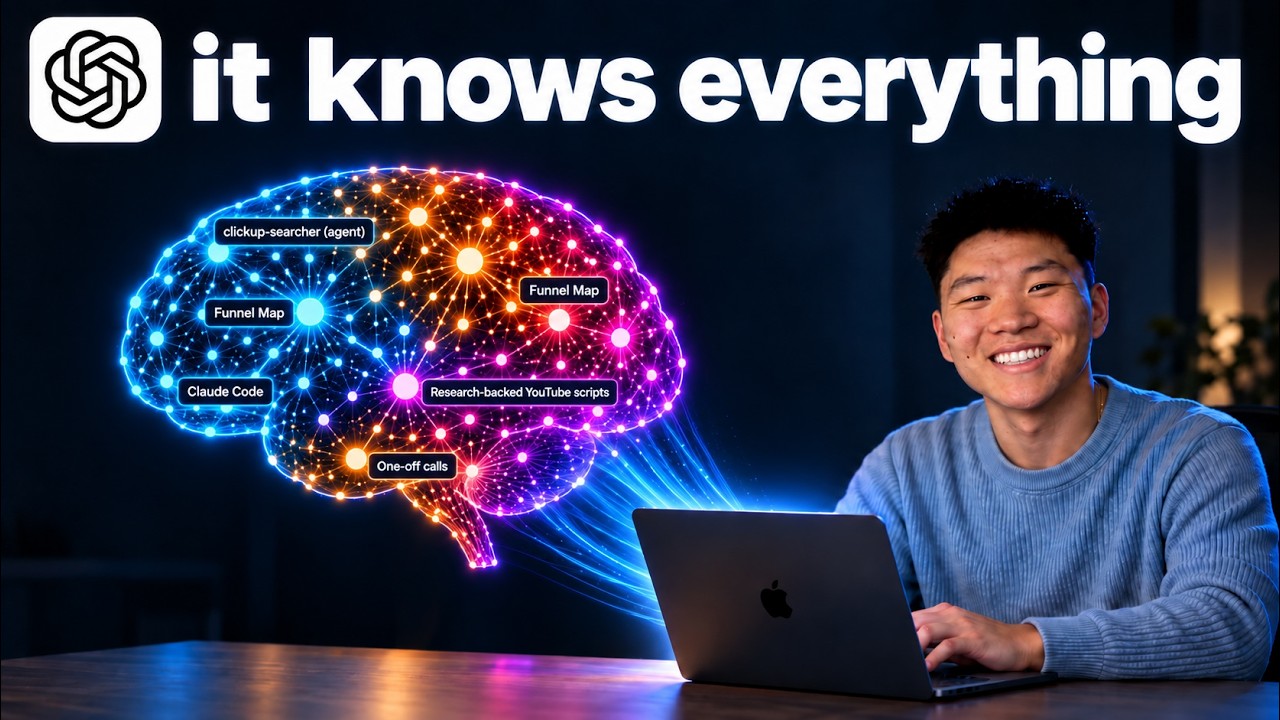
I Turned GPT-6 Astra Into the Ultimate AI Second Brain
This video demonstrates building a personal AI operating system and second brain in Codex using GPT-6 Astra, organized around the creator's own Four Cs framework (context, connections, capabilities, cadence). It uses a free resource pack, gotten from the creator's Skool community, that installs five skills (onboard, audit, link, level-up, and 3D brain) after opening a new local folder as a project in the Codex desktop app and running a 7-question onboarding wizard that generates CLAUDE.md and AGENTS.md files plus a context folder. The creator then runs the audit skill (scoring his own setup 30 out of 100), the level-up skill for improvement suggestions, and builds a linked knowledge base using Karpathy's LLM wiki method before visualizing it with the 3D brain skill. Narration covers the file and folder structure and slash commands used, but the actual code inside the skills is not shown on screen.
Goal: build a personal AI operating system and second brain using Codex with GPT-6 Astra, organized around the creator's own Four Cs framework (context, connections, capabilities, cadence) [00:00]
- Preview: the finished second brain graph shown contains 935 notes across 7 knowledge sources with 3,296 connections [00:11]
- Preview: the knowledge system includes a Business Wiki (AIS Coaching, corporate structure, AI Automation Society Plus), Meetings, Video knowledge, Claude memory, Codex memory, Projects, and Skills and agents [00:52]
- Bonus: a separate OS dashboard called Uppit AI, synced with his calendar, shows stats for YouTube subs, AIS, and AIS+ [01:37]
- Bonus: the Uppit AI dashboard syncs Communications across Slack, ClickUp, and email so he can respond to items directly [01:55]
+ 59 more takeaways
- Bonus: Uppit AI also surfaces a Community Pulse (top YouTube comments, AIS Plus posts) and an Industry Pulse (trending topics from YouTube and GitHub) [02:03]
- Framework: the Four Cs are context and connections, forming the second brain, plus capabilities and cadence, forming the AIOS [02:12]
- Framework: context is defined as stable background info that does not change much, like quarterly or yearly goals, your business, avatar, and pain points [02:44]
- Framework: connections are defined as the tools you use every day, like email, Slack, ClickUp, project management, and financial info, because that data is always relevant and changing [02:53]
- Example: he gave Codex a vague one-line request, 'make me a sizzle reel for AI Automation Society,' without specifying details [03:20]
- Example: Codex visited the Skool community and took its own screenshots to include in the sizzle reel because it understood the context [03:32]
- Example: the sizzle reel content referenced AI Automation Society as having 400,000 people learning AI automation [03:41]
- Framework: three tests for a good AIOS are a teammate-question test, context-switching reduction, and knowledge leaving your head [03:42]
- Order of operations: the AI OS architecture rests on four pillars in this order: Context, Connections, Capabilities, and Cadence [04:29]
- Prereqs: grab the AIS OS resource pack, which comes with five skills, from the free Skool community, Classroom, and All YouTube resources [04:51]
- Visual: the AI Automation Society community platform shows a nav menu and a grid of six course/content cards with completion percentages [05:01]
- Skill 1 (onboard): a setup wizard that runs on Day 1 via a 7-question interview and generates the shared CLAUDE.md and AGENTS.md manuals [05:05]
- The resource kit overall includes setup, routing verification, a weekly improvement workflow, and a working knowledge explorer, and can be extended as the AI OS grows [05:05]
- Skill 2 (audit, run via /audit): checks routing freshness and verified reliability, run after setup, after a meaningful fix, and weekly while building [05:10]
- Skill 3 (link, run via /link): a routing helper used when a project or resource matters, making a new source findable without copying its contents [05:14]
- Skill 4 (level-up, run via /level-up): runs on Day 14 and then weekly, carrying audit evidence into one improvement via a Mindset-Method-Machine interview [05:18]
- Skill 5 (3d-brain, run via /3d-brain): turns your knowledge into an interactive 3D brain, building a local 3D globe from selected files with search, cinema mode, and a branching growth replay [05:23]
- Concept: agents.md is basically the same as CLAUDE.md, but it is what Codex reads instead of Claude [05:43]
- Step: if coming from Codex, the recommendation is to copy your CLAUDE.md and rename it agents.md [05:50]
- His agents.md begins with the line 'You are Nate Herk's AI operating system' [06:03]
- Core operating rules in the agents.md include being concise, using bullet points, no em dashes, and using the Oxford comma [06:08]
- The majority of the agents.md is a routing map telling the agent where information lives, such as business advice in the wiki, corporate structure in another wiki section, voice and style in one place, and course knowledge in another [06:15]
- Before responding to any message like 'Hi Codex,' the agent reads the agents.md file first, then the user's message [07:21]
- Step: create a local folder, open it as a new local project in the Codex desktop app, then paste the resource pack into chat and tell it to install and run the onboarding, which asks questions and auto-creates folders and files [08:44]
- Context: Nate runs an AI education community with a certification program and live events [09:05]
- The two most important parts of AIS-OS setup are the context folder and the agents.md file [09:25]
- Step: the onboarding asks users to paste recent writing samples so it can build skills around how they write [09:38]
- Step: Nate flies through the seven onboarding questions and instructs viewers to do the same [09:43]
- Result: after onboarding, the context folder contains files called About Business, About Me, and Priority [09:58]
- Nate suggests categorizing business context by revenue, customers, calendar, comms, tasks, meetings, and knowledge [10:40]
- The onboarding also creates a .claud folder and a CLAUDE.md file so users can move to Claude Code and are not locked into one ecosystem [11:02]
- Nate notes the agents.md and CLAUDE.md files are basically identical [11:02]
- Step: run the /audit command, which checks the AIOS against the four Cs, gives a score, syncs agents.md and CLAUDE.md, and stores results in a new Audits folder for tracking over time [11:46]
- Result: the audit produced a score of 30 out of 100, broken into Context 11/25, Connections 6/25, Capabilities 9/25, and Cadence 4/25 [12:38]
- A new Audits folder is created with a markdown file dated September 7th recording the audit conclusions [12:49]
- Step: after the audit, run the included Level Up skill, which suggests areas to improve based on the audit report [13:00]
- Level Up suggested starting with turning team updates into one clear action list, targeting the stated bottleneck of coordination taking time away from learning AI and making videos [13:17]
- Two candidate priorities were surfaced: a team action list and a certification improvement backlog [13:27]
- Recommended loop: auditing, leveling up, and building, repeated continuously [13:41]
- There is a separate skill called Grill Me, inspired by Matt Pocock's Grill Me, included in the AIOS kit, which relentlessly interviews you to capture business priorities into a new file each session [14:18]
- Step: to build relationships between items in the second brain, the next step is to use Karpathy's LLM wiki approach [15:44]
- Visual: a HerkBrain knowledge graph shows interconnected concepts, projects, and resources across a 3D network with stats and filters for browsing [15:31]
- The relationships between items make the knowledge base feel holistic rather than just a data dump [15:36]
- To use the LLM wiki method, copy the URL, linked in the video description, or copy the content directly [15:55]
- Step: start a new chat and tell the agent to build a new LLM wiki based on everything it knows about you, applied to all business context, using 'this Karpathy wiki method' [16:07]
- Result: pasting that prompt causes the agent to crawl through everything and create a new wiki vault [16:20]
- He keeps separate vaults for his YouTube videos, his business knowledge, and his meeting transcripts [16:27]
- Step: after building out LLM wikis with repeated Grill Me sessions, run the 3D brain skill [16:40]
- Visual: an expanded HerkBrain 3D interactive view shows clusters of concepts with labeled nodes for Claude Code and Funnel Map [16:53]
- Step: you can ask the agent to turn the wiki into a site, hosted via Codex, accessible across laptops or phone, kept local, or connected to a custom domain [17:01]
- The overall process is a continuous loop of scaling up the four Cs through audit, level up, audit, level up [17:17]
- Tools: GPT-6 Astra is described as incredibly powerful, but so are 5.6 Sol and 5.6 Terra for the majority of knowledge work done in the AIOS [17:33]
- Pitfall: for most knowledge work tasks in the AIOS, like finding a doc or creating a spreadsheet, using Astra is probably overkill [17:47]
- Recommendation: use 5.6 Sol instead of Astra when connecting skills, because Astra burns through the weekly usage limit faster since it is a more expensive model [17:59]
- Both Astra and 5.6 Sol have an adjustable effort level, including a lighter setting that reduces capability but lowers cost [18:17]
- Final takeaway: all you are building in this system is files and folders [18:34]
- Final state: the workspace can be connected to other tools like a Hermes agent or Claude Code, so switching AI models or tools does not require starting over, since you own all the files [18:48]
- Final takeaway: the real output is building IP, a knowledge base that becomes valuable because of the context and knowledge it contains [19:11]
- Closing: the video points to a follow-up video about controlling the AIOS and delegating tasks to multiple agents by voice, plus a free community link in the description [19:32]
How this brief was shaped: Deep-Dive (coding / tutorial / how-to) · confidence Medium
Transcript is organized as a how-to for building an AI operating system with a named goal, five deliverable skills, and a resource pack to replicate the setup, and OCR shows a README, a dependency graph, and a skill table with setup timing, all classic tutorial artifacts rather than argument or interview content.
The lens sets this brief's structure, never its facts — every claim is held to the same citation and fact-check standard.