
Claude Just Dropped 7 Updates (Here's Which 4 to Use)
This source covers seven new updates to the Claude desktop app that users are calling Claude 2.0, with the creator rating only four of the seven as worth using this week. The clearest stated changes include Projects moving into public beta on Pro, Max, and Ultra plans but not yet Team or Enterprise [02:10], the standalone Claude Design site at claude.ai/design closing December 14 with design systems (but not chats or comments) movable to the artifacts page [03:24], and the sidebar's custom groups feature being renamed to Sections [07:36]. For other features such as Mods, Claude Motion, Split View, side chats, skill doctor, the Advisor, and nested sessions, the source introduces them as new but does not state a prior version or behavior they replace. Anyone tracking Claude should weigh the creator's four-of-seven verdict and confirm plan-tier eligibility for Projects and Claude Motion before relying on them.
New: Seven updates to the Claude desktop app are being called Claude 2.0 by users, with the creator rating only four of the seven worth using this week.
- New: Feature 7 is Mods, plugin-delivered add-ons that change Claude's look, such as a new panel, loading animation, or command.
- How-to: Mods are installed by typing /plugin install inside the CLI or desktop app.
- Verdict: The creator says skip Mods for now because a mod will not make Claude write any better.
- New: Feature 6 is Projects, a job handed to Claude that runs in Anthropic's cloud so work continues after closing the laptop, with a coordinator handing pieces of the job to helper chats.
+ 23 more takeaways
- New: [01:50] Helper chats spawned by a Project's coordinator share one session.
- New: [02:02] Each Project has an overview page with a 'Waiting on You' group showing what needs your decision.
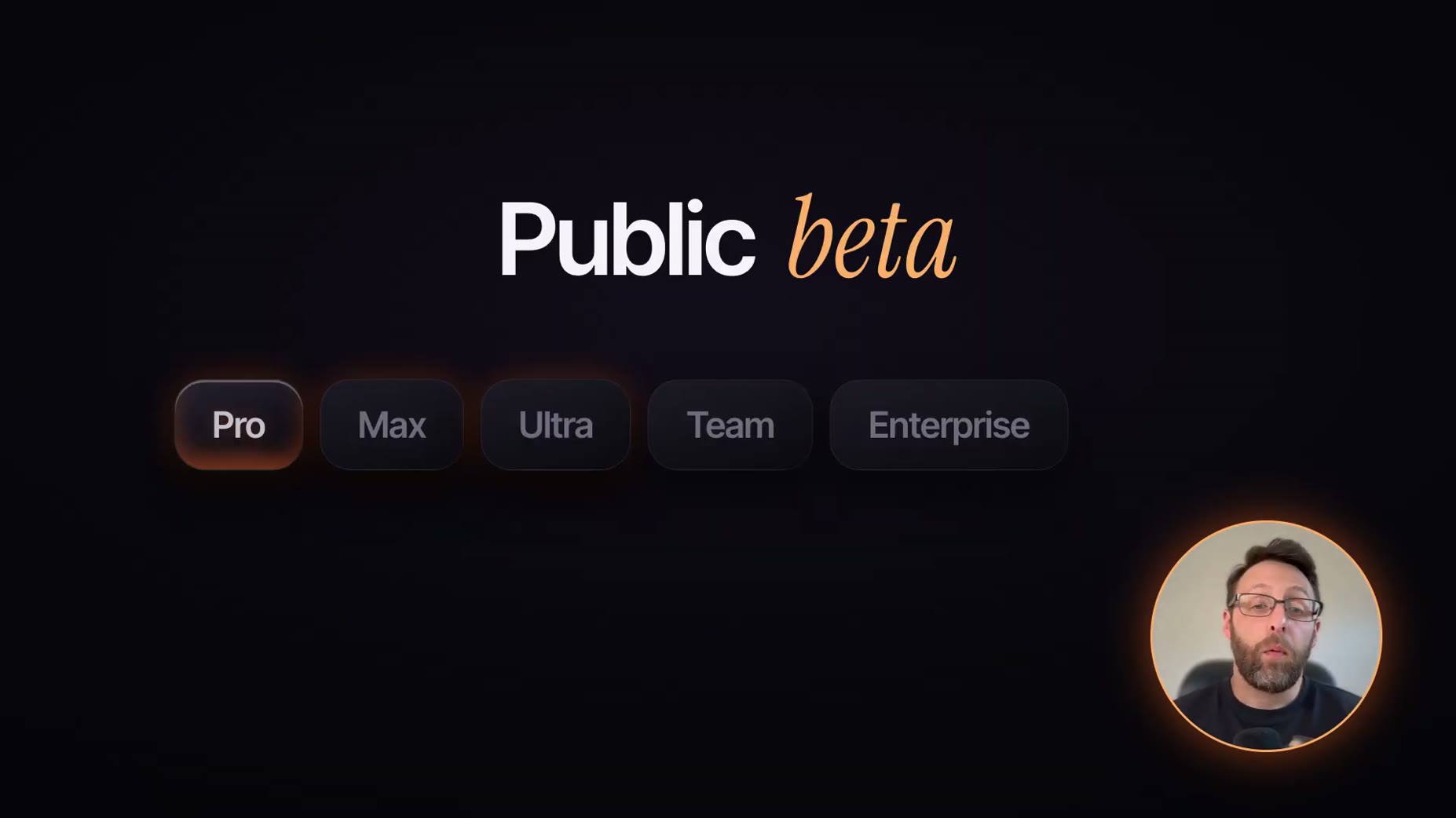
- Availability: [02:10] Projects is in public beta on Pro, Max, and Ultra plans, rolling out gradually, and not yet on Team or Enterprise.
- Changed: [02:22] Anything uploaded to a Project goes to Anthropic's servers, so files should be chosen deliberately.
- Changed: [02:26] Anthropic's docs state a Project uses up a plan's usage limits faster than regular chats.
- New: [02:55] Docs, Slides, and Design now live inside Claude as Anthropic's answer to Google Docs, Slides, and Canva, available on every plan.
- Deprecated: [03:24] The standalone Claude Design site at claude.ai/design closes December 14.
- Changed: [03:24] Design systems can be moved over from the Design site to the artifacts page before it closes.
- Removed: [03:24] Chats and comments from the standalone Design site do not carry over when it closes.
- Availability: [04:06] Claude Motion is currently limited to Team and Enterprise plans, not yet available on Pro or Max.
- New: [04:32] Split View on Mac opens via Option+click on a sidebar chat or right-click > Open In > Split View, and closes with Command+Control+W.
- New: [04:58] A side chat opens via /btw or Command+semicolon and can read everything in the main thread up to that point.
- New: [05:11] Typing /recap gives a one-line summary of where a chat stands.
- Limit: [05:17] Per Anthropic's desktop docs, side chats are not saved to disk and won't persist to the next day.
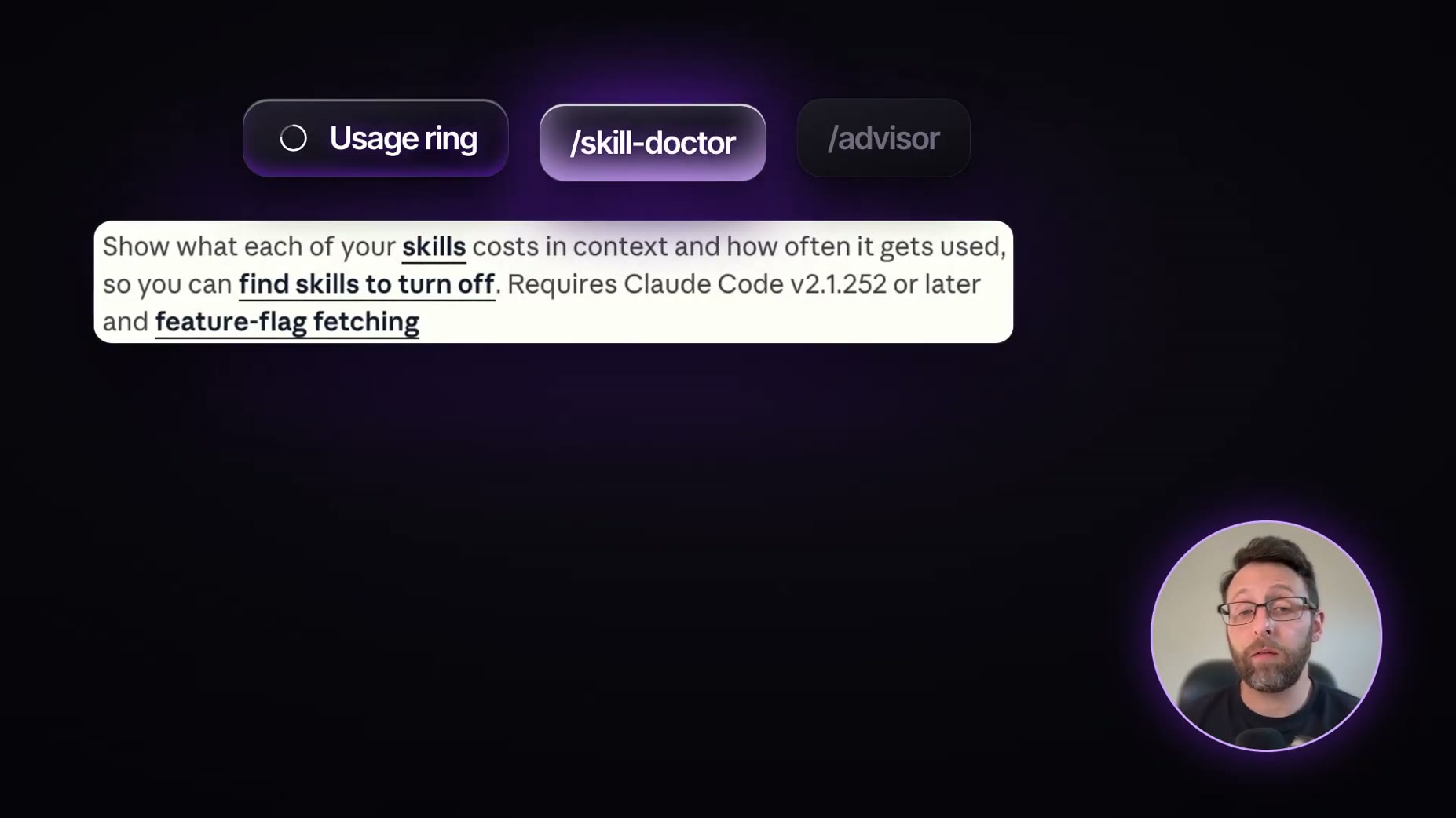
- New: [05:52] The skill doctor command shows how much memory each skill uses and how often it's used, requiring Claude Code v2.1.252 or later.
- New: [05:59] The Advisor command lets Claude consult a stronger model at key moments, with the user choosing which model; the speaker's own setup uses Sonnet 5.5 as main and Opus 5.5 as advisor.
- Renamed/New: [06:37] Anthropic calls these nested sessions, distinguishing them from a sub-agent: a nested session is a clickable, steerable chat in the sidebar, while a sub-agent only returns a final result.
- New: [06:53] Nested sessions run on your own computer, so a keep-awake setting should be turned on while Claude works.
- New: [07:11] The speaker's own term 'master session' (not an Anthropic term) designates one chat to oversee others.
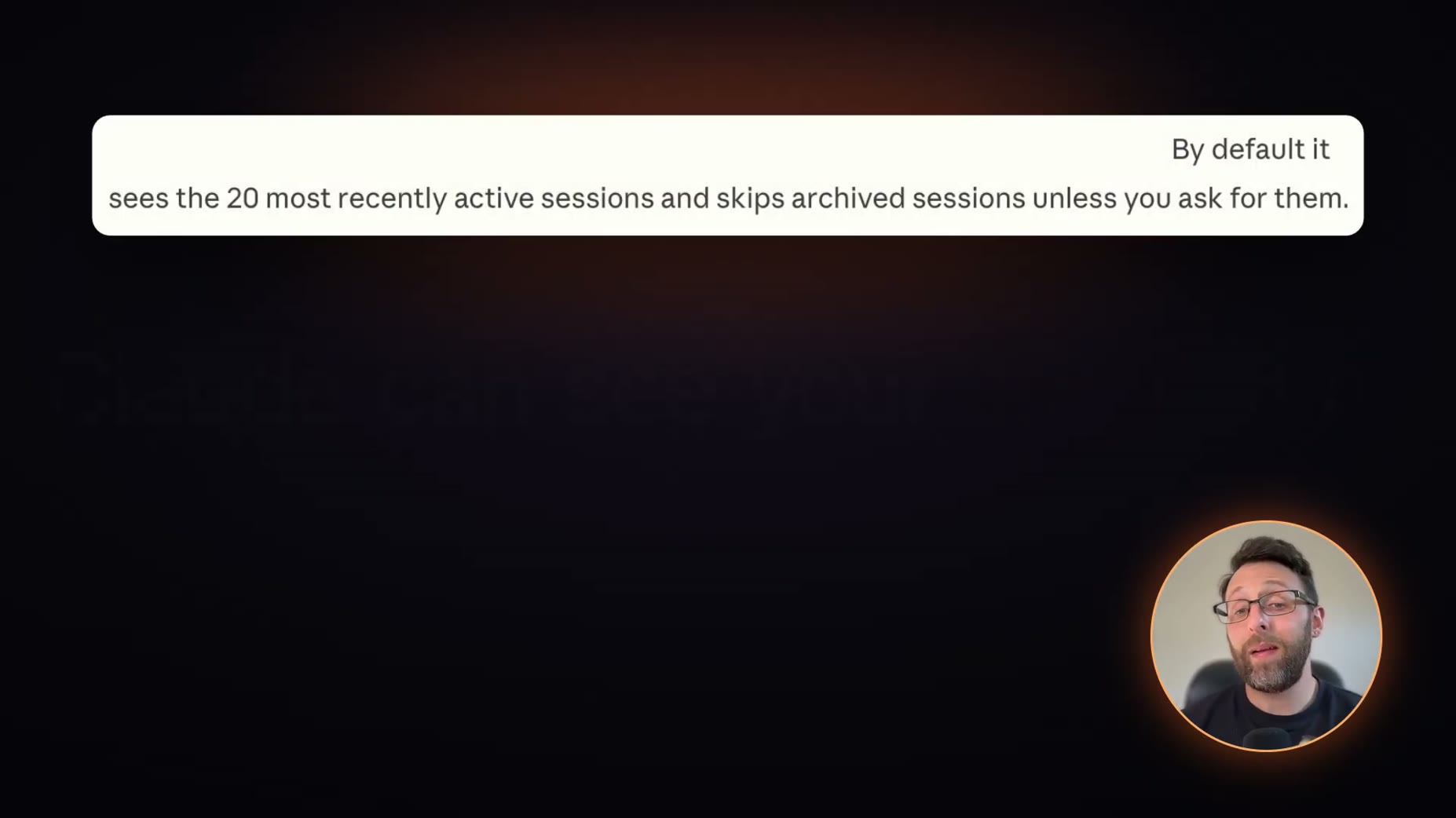
- Limit: [07:21] By default Claude sees only the 20 most recently active chats and skips archived ones unless asked.
- From -> To: [07:36] Sidebar 'custom groups' are renamed to Sections, letting chats be grouped, for example one per client.
- Limit: [07:43] A master session cannot see chats from the terminal CLI, VS Code extension, or Anthropic's Cloud sessions.
- Why it matters: Given the plan-tier gating on Projects and Claude Motion and the creator's skip verdict on Mods, trackers should prioritize Projects, Docs/Slides/Design, and nested sessions/master session while confirming plan eligibility first.
here's the launch kit for the Varde 2.0. build the reveal deck for fri's readiness review.
@Claude This is the best line in the whole memo. Make it its own slide.
There's a new artboard under B called Prototype · Bird mode, clickthrough. Press play on it and tap through: bird, pick a time, the notification ask, then today's thing with a working CAW counter. "Start over" takes you back to the bird.
ok claude. build it.
[...] Show a live breakdown of the context window above the prompt
what does the 4:5 fallback do?
How this brief was shaped: What Changed · confidence High
Transcript opens and repeats the organizing spine directly: seven new Claude desktop features ranked, with explicit language about which are worth trying, matching what_changed's new-since-last-time framing. OCR mostly shows unrelated Skool testimonial text and a generic task checklist, so the routing leans on transcript evidence.
The lens sets this brief's structure, never its facts — every claim is held to the same citation and fact-check standard.